


Auriteq Flow
Auriteq Flow
De la idea al track terminado, más rápido que nunca
Guarda tus plugins, instrumentos y cadenas completas favoritas en botones e insértalos al instante en cualquier pista.
Controla cualquier parámetro con mandos físicos y obtén feedback visual al instante - sin tener que adivinar qué parámetro estás controlando ni en qué valor está
El Auriteq Flow ofrece una profunda integración con Ableton Live, FL Studio, Logic Pro, Cubase y Nuendo, lo que te permite controlar directamente toda tu DAW. Ajusta el volumen, la panorámica, los efectos y los plugins de terceros al instante, sin necesidad de mapeo manual, solo conéctalo y empieza a crear.
Preconfigurado y listo desde el primer día, para que puedas evitar la configuración y mantenerte en el flow.
Da forma a tu mezcla rápidamente y realiza ajustes ultra precisos cuando cada detalle importa.
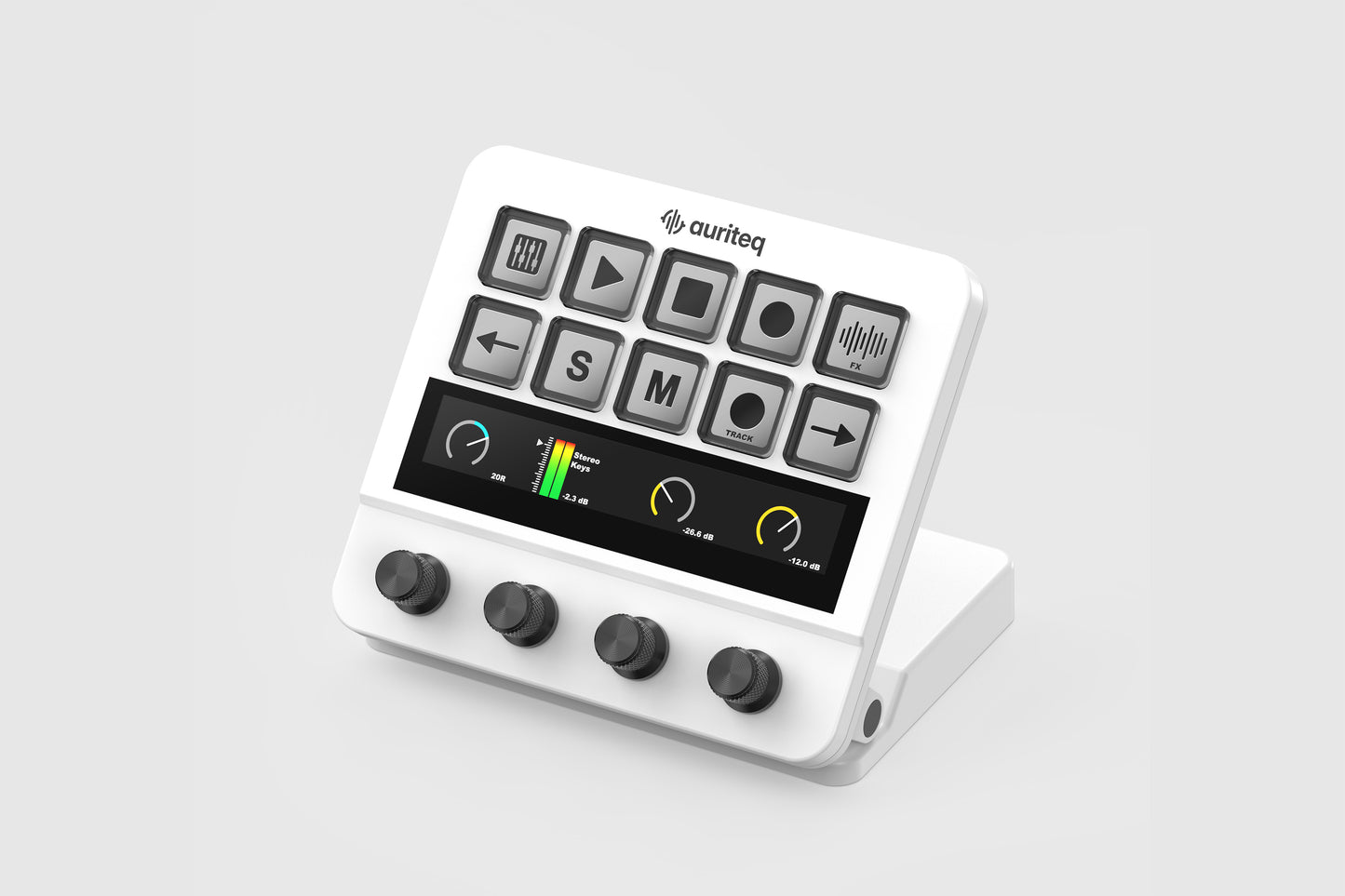
10 botones LCD dinámicos, una barra táctil y 4 encoders sensibles a la presión te ofrecen control táctil con feedback visual en tiempo real.
El hub USB integrado mantiene tu espacio de trabajo ordenado y tu equipo esencial siempre a mano.
No se pudo cargar la disponibilidad de retiro
Garantía de devolución de 30 días: Pruébalo sin riesgo - si no te convence, devuélvelo sin complicaciones.


Un dispositivo. Cada flujo de trabajo.
Mira la guía completa de Ableton

Descubre lo que el Auriteq Flow puede hacer


Mapeo de parámetros del plugin
El controlador Auriteq Flow DAW hace que la asignación de parámetros sea increíblemente sencilla. El controlador viene preconfigurado para la gran mayoría de plugins y efectos integrados, pero si alguna vez desea personalizar una asignación, le llevará menos de un minuto.
El proceso de asignación es exactamente el mismo en cada DAW.
Organizar tus plugins y cadenas
El Auriteq Flow te permite organizar tus plugins, efectos, instrumentos, cadenas e incluso presets de pistas en carpetas para un acceso rápido, permitiéndote insertar cualquiera de ellos con solo presionar un botón. Puedes guardar plugins individuales o cadenas completas, con o sin su configuración, para que puedas cargarlos instantáneamente cuando los necesites.
Hay varias formas de guardarlos en las ranuras del controlador:

Controla tu Mac o PC
Por supuesto, Auriteq Flow también te permite controlar tu Mac o PC y se integra con una amplia variedad de aplicaciones como Premiere, Zoom y OBS Studio mediante software de terceros. Inicia aplicaciones, abre carpetas y crea accesos directos o atajos personalizados para prácticamente cualquier app — todo directamente desde el controlador.
Comparación de características
| Feature |  Ableton Ableton
|  Logic Logic
|  FL Studio FL Studio
|  Cubase/Nuendo Cubase/Nuendo
|
|---|---|---|---|---|
| Playback control (play, stop, record) | ||||
| Track control (Solo, Mute, Arm) | ||||
| Volume control + level meter | ||||
| Pan control | ||||
| Send control | ||||
| Control any plugin & built in effect | ||||
| Insert any plugin & built in effect | Works only in Cubase/Nuendo 15, prior versions do not support this feature | |||
| Clip recording scene | ||||
| Step sequencer | ||||
| Control and visualize volume of 8 tracks | ||||
| Control and visualize panning of 8 tracks | ||||
| Control and visualize sends of 8 tracks | ||||
| Mastering Suite: VU Meter, Master Meter, RMS, LUFS Display and Vectorscope | ||||
| Switch to mono (listen to the full mix in mono) | ||||
| Map your own shortcuts/series of shortcuts | ||||
| Track name scene | ||||
| Track coloring scene |
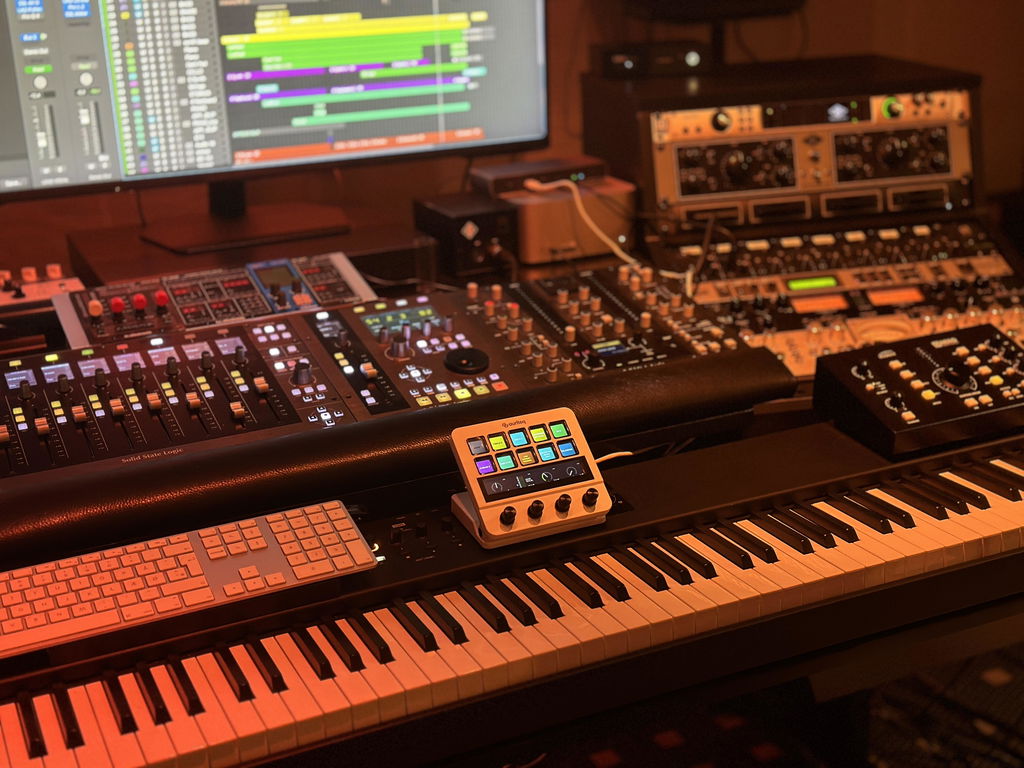
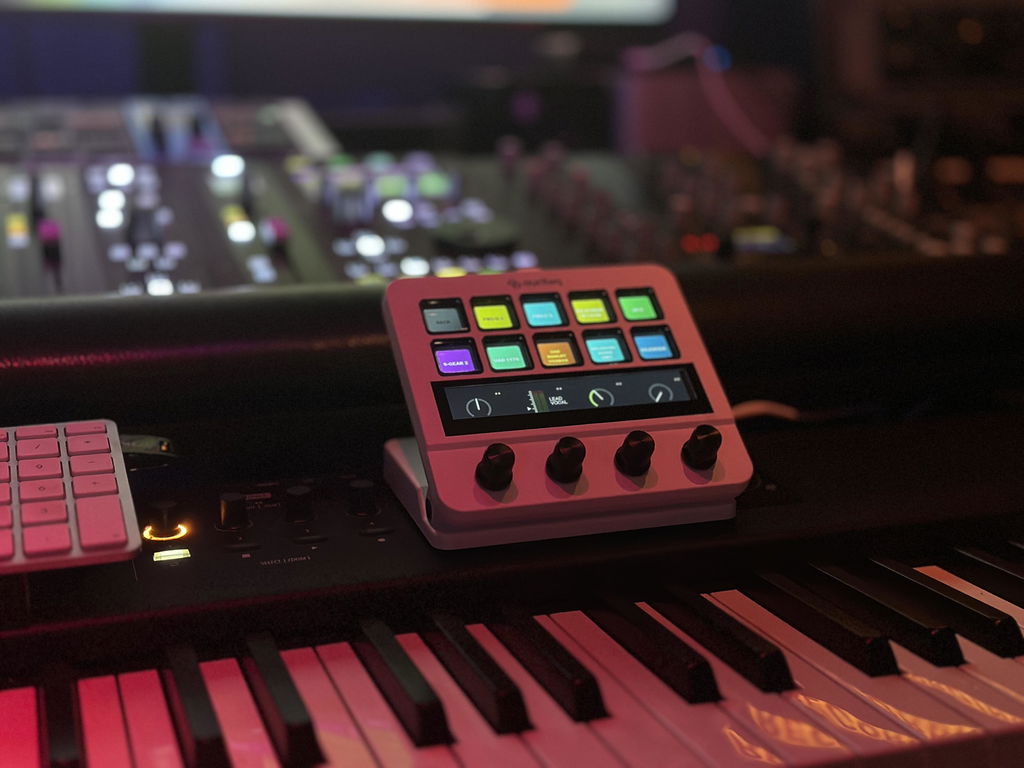
I am happy but I can't get it to make a channel with three sends or more, and it's hard to control more than 2 sends. Sometimes the channel volume doesn't work, so it meanders a reboot. (Logic Pro) Otherwise a great product ;-) Henrik Koitz
Hi Henrik, thank you for taking the time to review.
Regarding controlling more than 2 sends, on the default main screen, encoder 3 and 4 control SENDS 1 and 2. But if you press the touchscreen just above encoder 4, where you see the visualization of your send level, it takes you to controlling SENDS 3 and 4. If you press again, to SENDS 5 and 6, etc. I guess it's not so obvious, but you can definitely can.
And the issue with the volume, this sounds a lot like the Logic controller preferences need to be reseted once. Please do as we explain in our guide here: https://auriteq.com/blogs/help-center/logic-pro-troubleshooting
this clears 99% of the problems.
If the problem persists, please contact us by e-mail and we will look into it further.
Perfect Tool for me!
I purchased this through Shop. Apparently I can’t use Flow until I find the email I should have received that would have been sent from the time I purchased it. Looking through hundreds of emails from two to three weeks ago trying to find the one that allows me to download the Auriteq app. There’s got to be a better way. Flow might be great but I have no way to use it at the moment. Confusing.

Hi Brian, we're sorry for the confusion. As I told you over e-mail, the download link is at the back of the packaging as well as in the confirmation e-mail. But indeed, our website said 'inside' the packaging instead of 'on the backside'. We will update it to make it less confusing.
I am very happy with your controller. It is wonderful in terms of its simplicity, the quality of its materials, and the sensitivity of its knobs and screen,, awesome.The integration with cubase DAW it´s amazing and very intuitive... 10/10 Will recommend

I’ve been using the Auriteq Flow for several weeks now, and I’m really enthusiastic about it. It’s very user-friendly and is exactly what I was looking for: a controller that is truly designed for creative music production.
I record all of my different flutes with it, and especially when editing, I’ve discovered just how many possibilities the Flow offers. Despite its compact size, it is an incredibly powerful device that allows me to work quickly and intuitively.
For me, the Auriteq Flow is the perfect combination of creativity, flexibility, and ease of use. It helps me produce and edit my music in a direct and intuitive way, without the technology ever getting in the way of the creative process.


I am pleasantly surprised by Auriteq Flow, the buttons are larger than other similar products. The mapping for Logic is very well done, so far I am very happy with the product.

Fantastic piece of kit, using it with Ableton 12, no drama's, plug in and ready to go, set up loads of short cuts, such a time saver, so easy to name and colour tracks and adding fx, racks and instruments, built really well, feels great in my hands would definitely recommend, this is what I have been looking for 👍

I'm giving a 5-star review based on my use for mixing in Logic Pro over the course of a few weeks. First off, it is AS-BILLED--works right out of the box with all the plug-ins that come with Logic, plus I also heavily use Universal Audio and Isotope. They all work pretty much of the the box. Now the occasional plug-in might need some parameters tweaked but that's not a big deal, because you only need to do it once, and it will carry over to all projects. I was surprised that I hadn't read a review of this product in Sound On Sound, which made me hesitate to try it, but I'm glad I did.
So far, it has absolutely allowed me to go to what I'm used to doing: twiddling knobs and just listening for the sound, rather than trying to replicate that with a mouse, which is not natural. I wish there were faders too, but I'll live with this, since the level is implemented so well with the fast-throw and slo-throw abilities.
What Ive just talked about is not even the reason I bought this. I actually bought this because my original PreSonus Faderport broke, and I was really only using it for the start/stop recording/arming functions and then those broke as well. I have not yet used this to record, but from playing around with it, this is exactly what I was looking for in a controller to help me start/stop recording when I'm recording myself.
I will give Auriteq one note, though: Please have full installation instructions on the English website, not just the Spanish. When I watched the installation video, the person completely skipped over the fact that both the midi in and midi out needed to be set to the Auriteq flow. However, with a more thorough search on the web, I got to the English instructions, but only on the Spanish website! Yes, it did confuse me for a bit thinking I had everything set up properly, when it wasn't, but all in all, it still only took me 30 minutes to install, which is still faster than any other controller I have ever installed.
Now if you are thinking of adding a fader attachment, I would be all over it!

Hey Dave, thanks for taking the time to write this extensive review. We are really glad to hear that you like the product.
Well noted for your feedback regarding the instructions, we'll do our best to improve in that regard.
Have a nice day,
Eloy
Super Teil!! Ob automatisiertes Mixing, flexibles Mapping, learn Funktion, Plug in handling der Flow passt sich deinem Workflow an. Sehr cool!!!

The setup of the Flow is quite easy. I use mine in Logic pro and have setup midi devices before so I have a bit of an advantage. I have only had the device for a week or two and haven't used it to its full potential. The transport controls work as expected and channel switching is good too. Getting deeper into plugin menus takes a bit of getting used to but once you work it out, it becomes easy. So far the Flow works well once you install the software, and you have to run the software before starting up your DAW. I have added it to my workflow and I will use it more on my next project.


The unit it’s great I had an issue with my other controllers and Eloy remote help me with the installation.
He is super kind and the company offer a super post sale service.
Quick and profesional.
The product is amazing and I save so much time with my work.
Thanx so much to the Auriteq team.

Very decent! Integration is Easy been using it loads very happy with this purchase

Fantastic machine works well with the laptop 💻
MacBook Pro
As for my iMac with cordless keyboard and cordless mouse, it’s not connecting to the Auriteq flow machine, can you prompt me on how to fix this please?

Hey Anthony, thank you for the review. I contacted you via e-mail, I need to check via Teamviewer what exactly is failing on the iMac.
Also, I noticed from your video that you didn't add the included LUFS Meter plugin to the master track - in Logic, that will give you VU Levels, LUFS, accurate master metering and much more :)
Thanks,
Eloy
Love it..the unit sits right in the middle of my set up and saves a huge amount of time when working to a deadline and its size is absolutely perfect..doesn’t intrude on my desk

El Flow es EXACTAMENTE lo que estaba buscando. Perfecta integración con Logic Pro, muy fácil de personalizar y muy veloz. Realmente lo recomiendo tanto para tus mezclas o en casos como el mio que tengo muchos instrumentos y algunos lejos del ordenador! una pasada!

Very good Ableton controller.
Lots of functionality.
Easy to use and set up.


What an incredible device. Saves me a lot of time. And the service is great!

auriteq has managed to seamlessly integrate a MIDI controller with a Stream Deck. While it isn’t a purely programmable MIDI controller—but rather a pre-programmed one—it’s a tool that streamlines your workflow with both your PC and your DAW.
It’s fully customizable, allowing you to load everything from racks to audio effects using its native app, all with the touch of a button. You can also map plugin controls (for nearly 100% of plugins) directly from the controller itself. It includes a high-quality, delay-free VU meter that displays the master’s LUFS, and track gains even adjust in real time.
I have nothing but praise for this small, affordably priced device, which greatly enhances workflow.
200% recommended.

Ich hab alle mögliche Controller, aber diese ist ein Hammer so minimalistisch aber man kann alles damit machen leicht zu transportieren und hat dahinten mehrere USB Anschluss. Ich hab meine Dongle direkt dahinten. Diese Geräte macht sehr viel Spaß. Ich hatte ein kleines Problem und ich wurde von der Suport mit TeamViewer geholfen kann ich jetzt sagen super gut sehr gut. Suport besser konnte nicht mehr sein.


Ich bin echt begeistert. Ich hatte schon lange nach so ein Controller für Logic gesucht, der nicht meinen kompletten Schreibtisch beansprucht, Das Ding ist echt gut und tut was es verspricht. Vor allem die Plugin und Chain Funktionen finde ich am besten.


