


Auriteq Flow
Auriteq Flow
Von der Idee zum fertigen Track – schneller als je zuvor
Speichere deine Lieblings-Plugins, Instrumente und kompletten Chains auf Buttons und füge sie sofort in jede Spur ein.
Steuere jeden Parameter mit physischen Reglern und erhalte sofort visuelles Feedback – kein Rätselraten mehr, welchen Parameter du steuerst oder wie er eingestellt ist
Der Auriteq Flow bietet eine tiefgreifende Integration mit Ableton Live, FL Studio, Logic Pro, Cubase und Nuendo und gibt dir direkte Kontrolle über deine gesamte DAW. Passe Lautstärke, Panning, Effekte und Plug-ins von Drittanbietern sofort an – ganz ohne manuelles Mapping, einfach anschließen und loslegen.
Vorgemappt und sofort einsatzbereit, sodass du die Einrichtung überspringen und im Flow bleiben kannst.
Forme deinen Mix schnell und nimm dann ultra-präzise Anpassungen vor, wenn es auf jedes Detail ankommt.
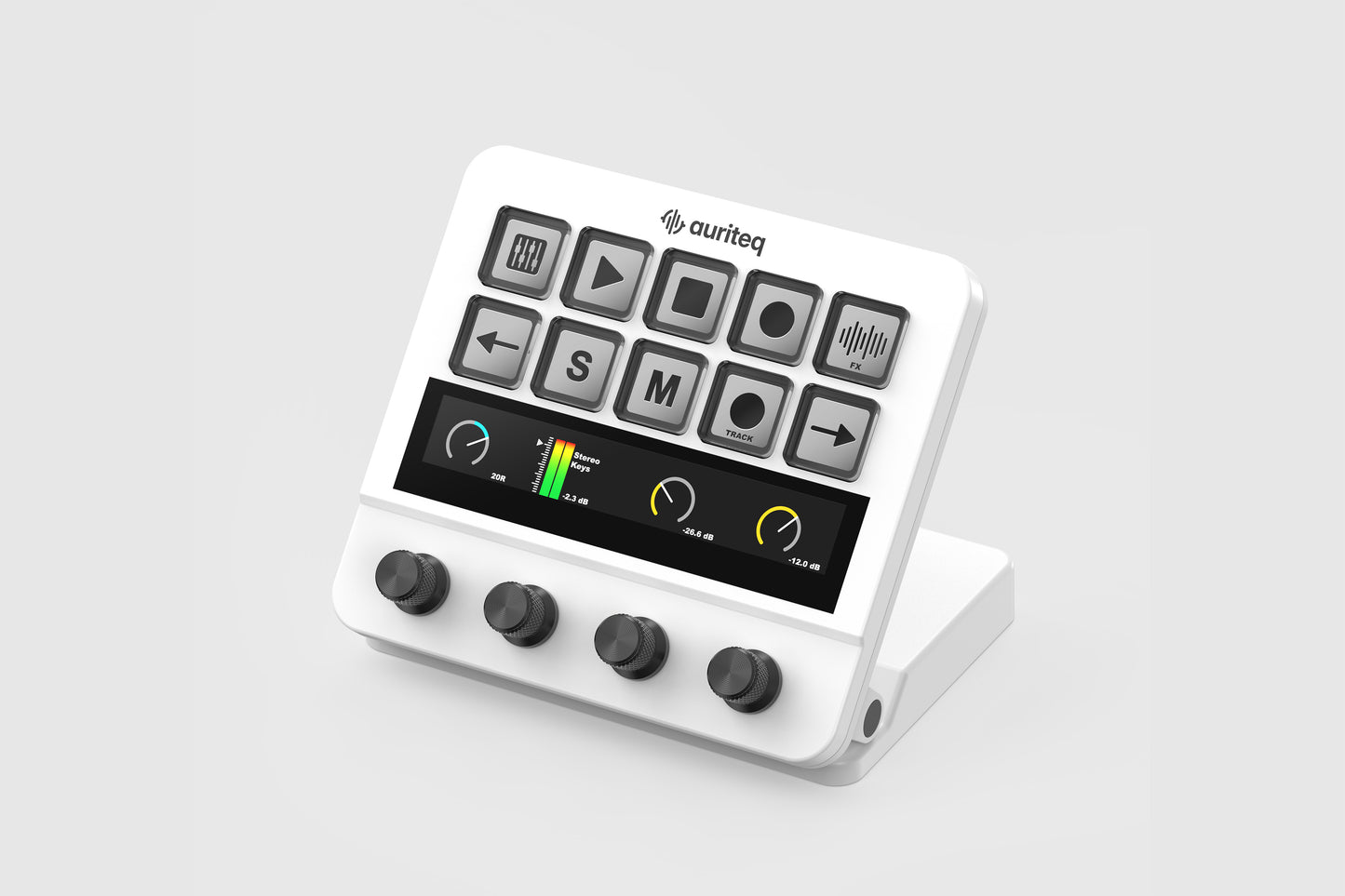
10 dynamische LCD-Buttons, ein Touch-Bar und 4 druckempfindliche Drehregler geben dir taktile Kontrolle mit visuellem Feedback in Echtzeit.
Der integrierte USB-Hub sorgt für ein aufgeräumtes Setup und hält dein wichtigstes Equipment stets griffbereit.
Verfügbarkeit für Abholungen konnte nicht geladen werden
30 Tage Geld-zurück-Garantie: Teste es risikofrei - wenn du nicht überzeugt bist, schick es einfach zurück. Ohne Wenn und Aber.


Ein Gerät für jeden Workflow.
Sieh dir die vollständigen Walkthrough-Videos an

Sieh, was der Auriteq Flow kann


Mapping von Plugin-Parametern
Der Auriteq Flow DAW Controller macht das Mapping von Parametern unglaublich einfach. Der Controller ist für die meisten Plugins und integrierten Effekte bereits vorgemappt, aber wenn du ein Mapping anpassen möchtest, dauert das weniger als eine Minute. Der Mapping-Prozess ist in jeder DAW exakt gleich.
Organisiere deine Plug-ins und Chains
Der Auriteq Flow hilft dir, Plugins, Effekte, Instrumente, Chains und sogar Track-Presets für schnellen Zugriff zu organisieren. Du kannst einzelne Plug-ins oder ganze Chains mit einem Tastendruck speichern – mit oder ohne ihre Einstellungen – sodass du sie sofort laden kannst, wenn du sie brauchst.

Steuere deinen Mac oder PC
Natürlich ermöglicht dir der Auriteq Flow auch die Steuerung deines Macs oder PCs und lässt sich über Drittanbieter-Software mit einer Vielzahl von Apps wie Premiere, Zoom oder OBS Studio integrieren. Starte Anwendungen, öffne Ordner und erstelle individuelle Shortcuts oder Hotkeys für nahezu jede App – alles direkt über den Controller.
Feature-Vergleich
| Feature |  Ableton Ableton
|  Logic Logic
|  FL Studio FL Studio
|  Cubase/Nuendo Cubase/Nuendo
|  Pro Tools Pro Tools
|
|---|---|---|---|---|---|
| Compatibility | Mac/Windows | Mac/Windows | Mac/Windows | Mac/Windows | Mac |
| Playback control (play, stop, record) | |||||
| Track control (Solo, Mute, Arm) | |||||
| Volume control + level meter | |||||
| Pan control | |||||
| Send control | |||||
| Control any plugin & built in effect | |||||
| Insert any plugin & built in effect | Works only in Cubase/Nuendo 15, prior versions do not support this feature | ||||
| Clip recording scene | |||||
| Step sequencer | |||||
| Control and visualize volume of 8 tracks | |||||
| Control and visualize panning of 8 tracks | |||||
| Control and visualize sends of 8 tracks | |||||
| Mastering Suite: VU Meter, Master Meter, RMS, LUFS Display and Vectorscope | |||||
| Switch to mono (listen to the full mix in mono) | |||||
| Map your own shortcuts/series of shortcuts | |||||
| Track name scene | |||||
| Track coloring scene |
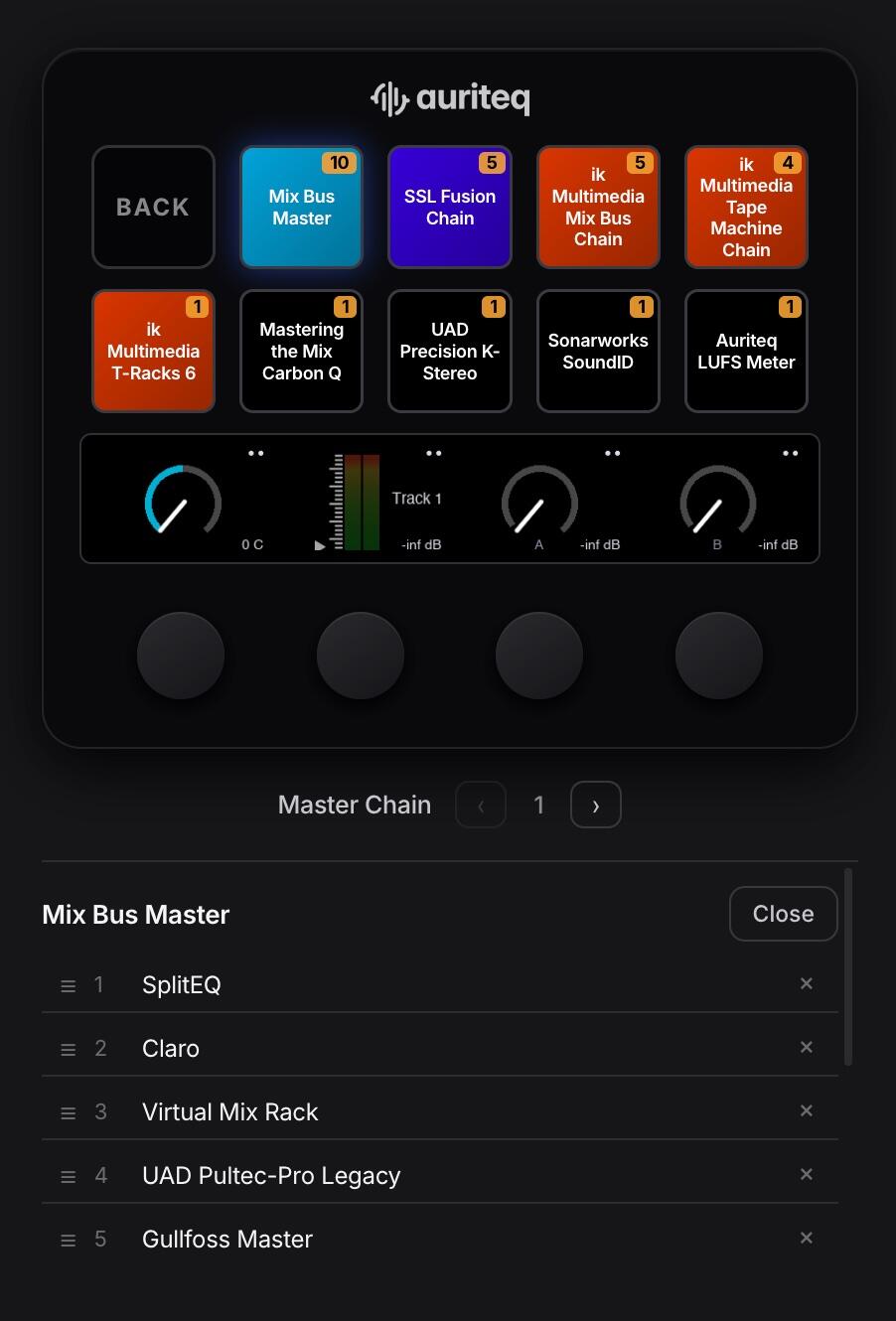
I love the Auriteq Flow. Being able to map plugins, instruments, and chains across all of the pages/scenes is game-changing for me. Also being able to map a series of 10 master/mix bus plugins per button in the Master section and drop them all at once, is amazing. Has completely changed my workflow - making it more efficient and enjoyable.
I had an issue over the weekend and I was bumming because I already can't live without the Flow. But by early this morning, Monday, Eloy had a solution which fixed the issue. There are a lot of gadgets on the market competing for attention, this one however, is brilliantly thought out and executed. I highly recommend you give it a chance.
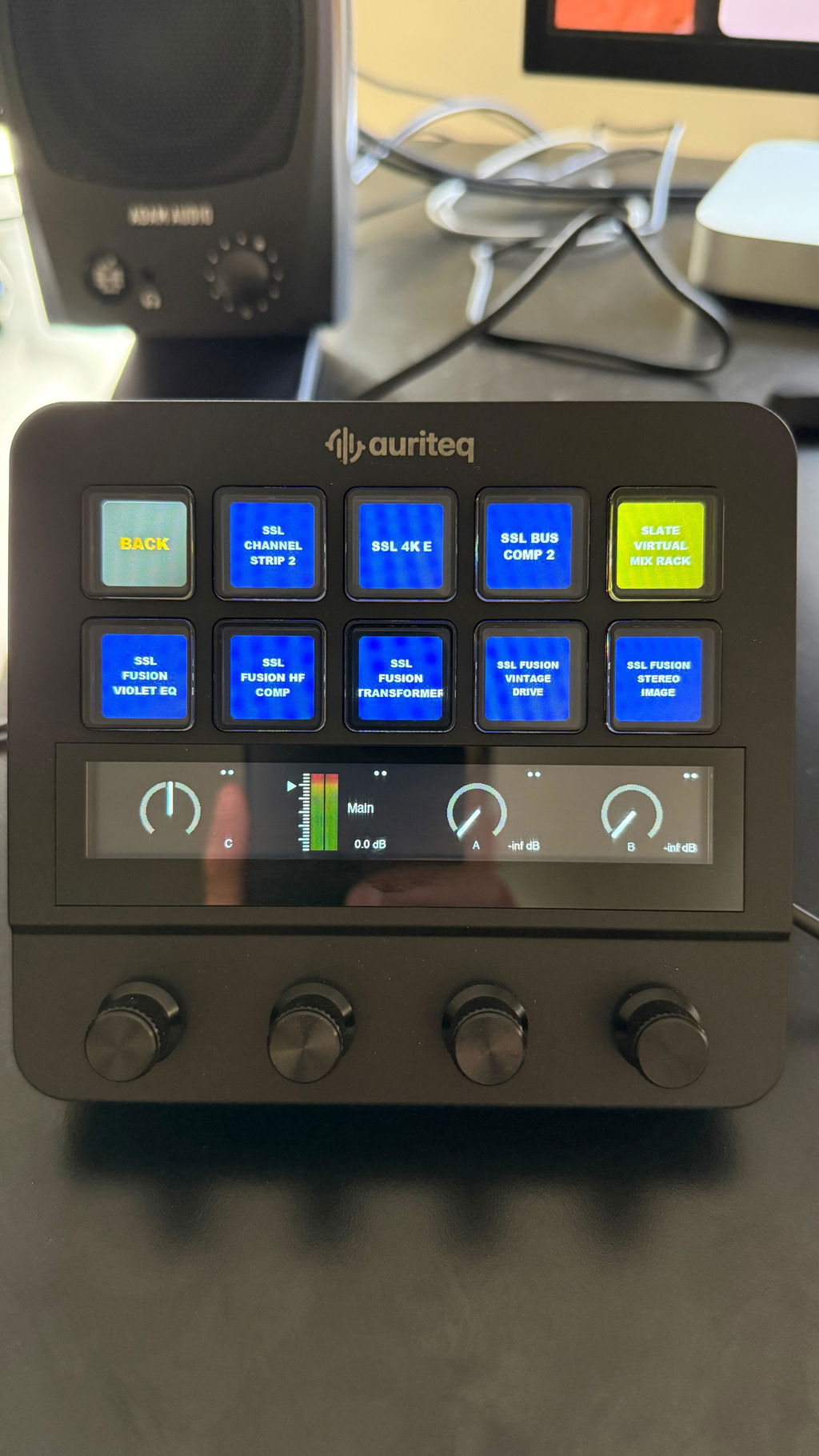
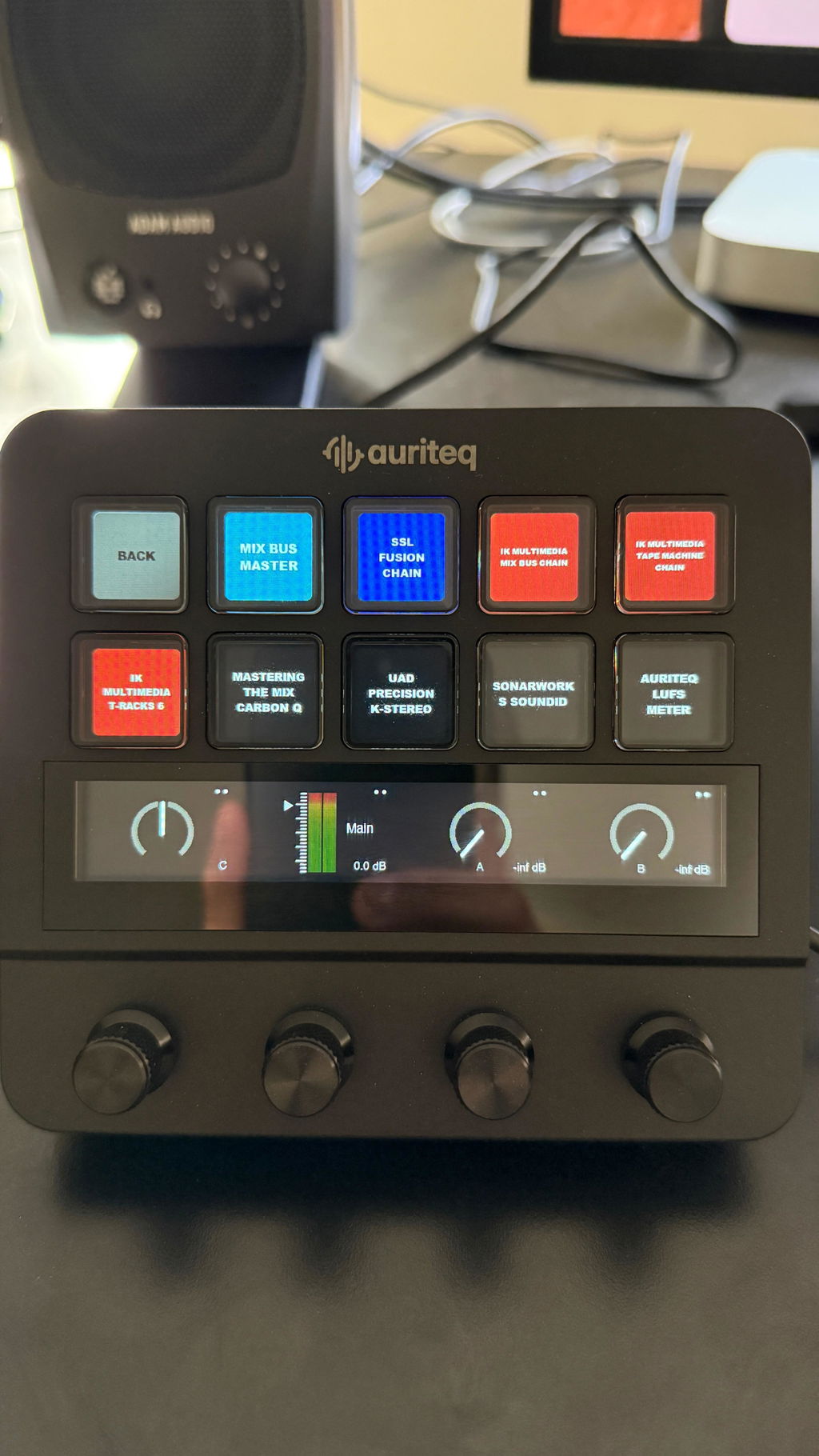
Perfect Tool!
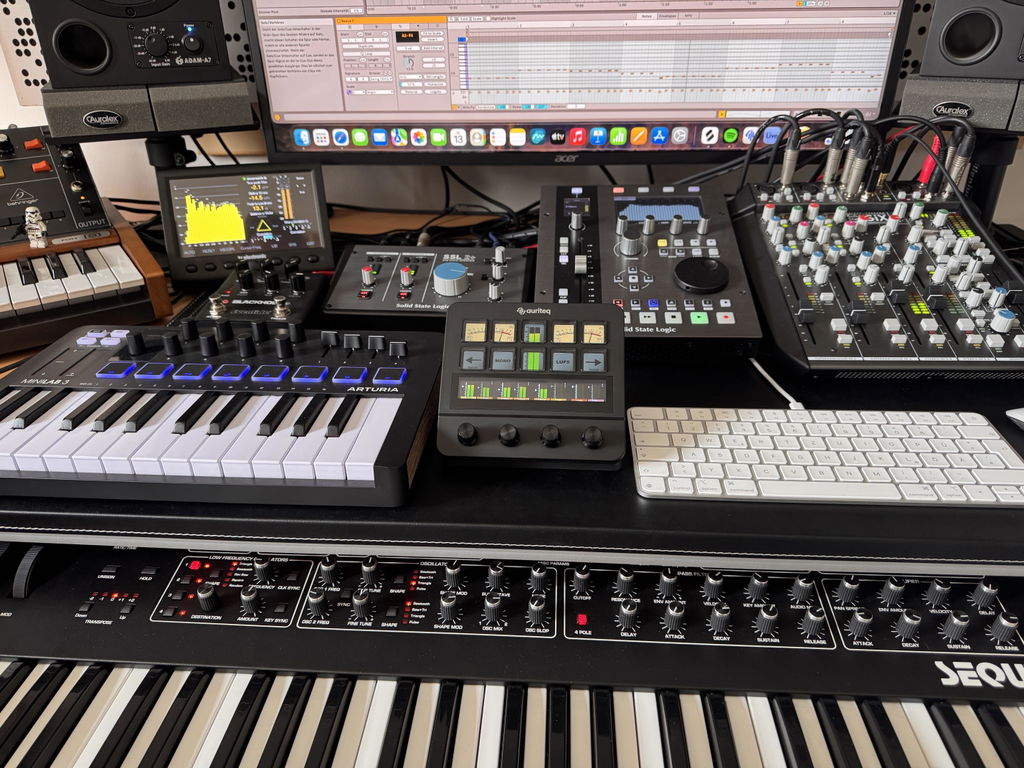
Great potential and excellent customer support!
The Auriteq Flow is a very interesting controller with great potential for improving the workflow in Logic Pro.
I initially experienced some compatibility issues with the Italian version of Logic Pro, but Eloy from Auriteq support was extremely helpful and responsive. An update was quickly released that resolved the problem.
I'm still exploring all its features. The software has room for improvement, particularly in terms of flexibility and customization, but the team is clearly committed to developing the product and listening to customer feedback.
A promising controller with outstanding customer support. I'm looking forward to future updates!
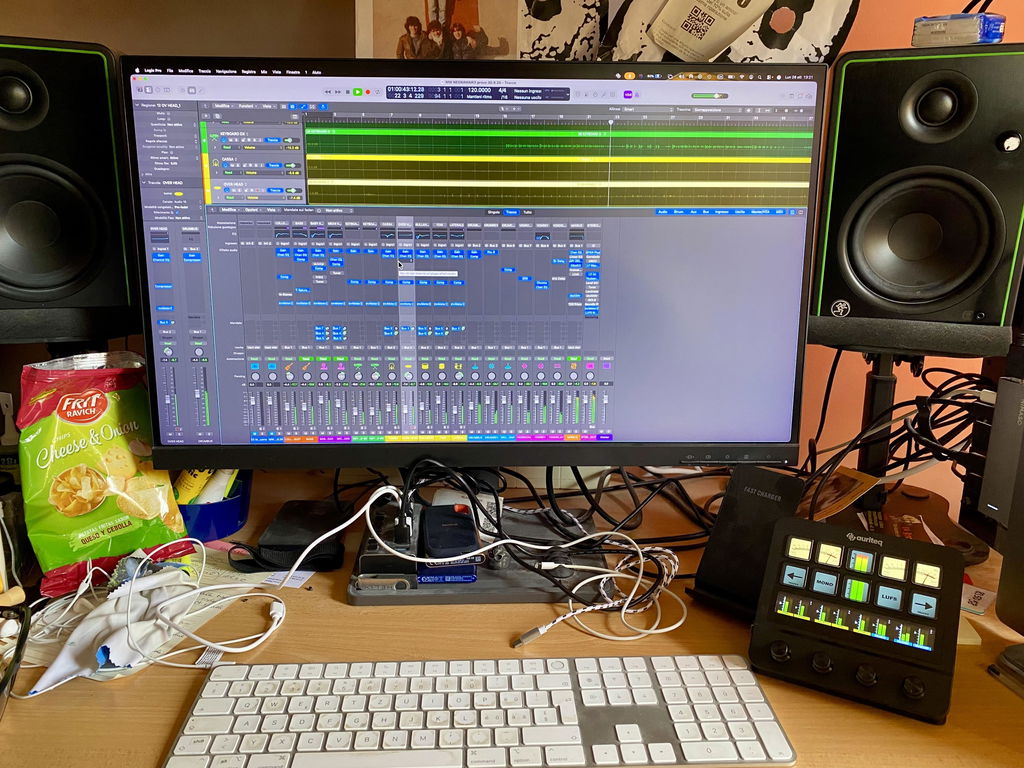
Nice product, price qualiti. Eazy to use.
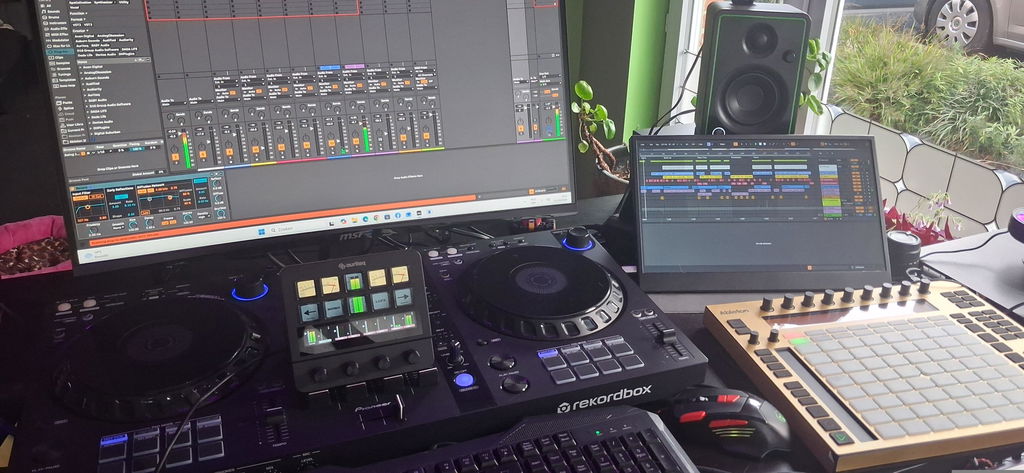
I am happy but I can't get it to make a channel with three sends or more, and it's hard to control more than 2 sends. Sometimes the channel volume doesn't work, so it meanders a reboot. (Logic Pro) Otherwise a great product ;-) Henrik Koitz
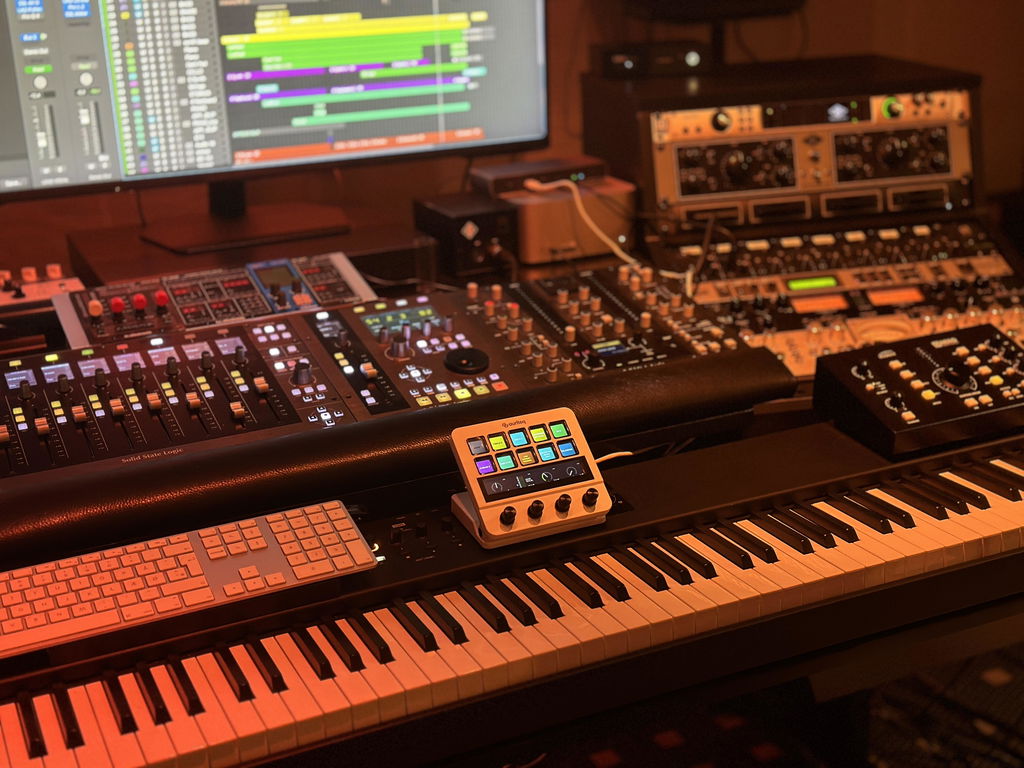
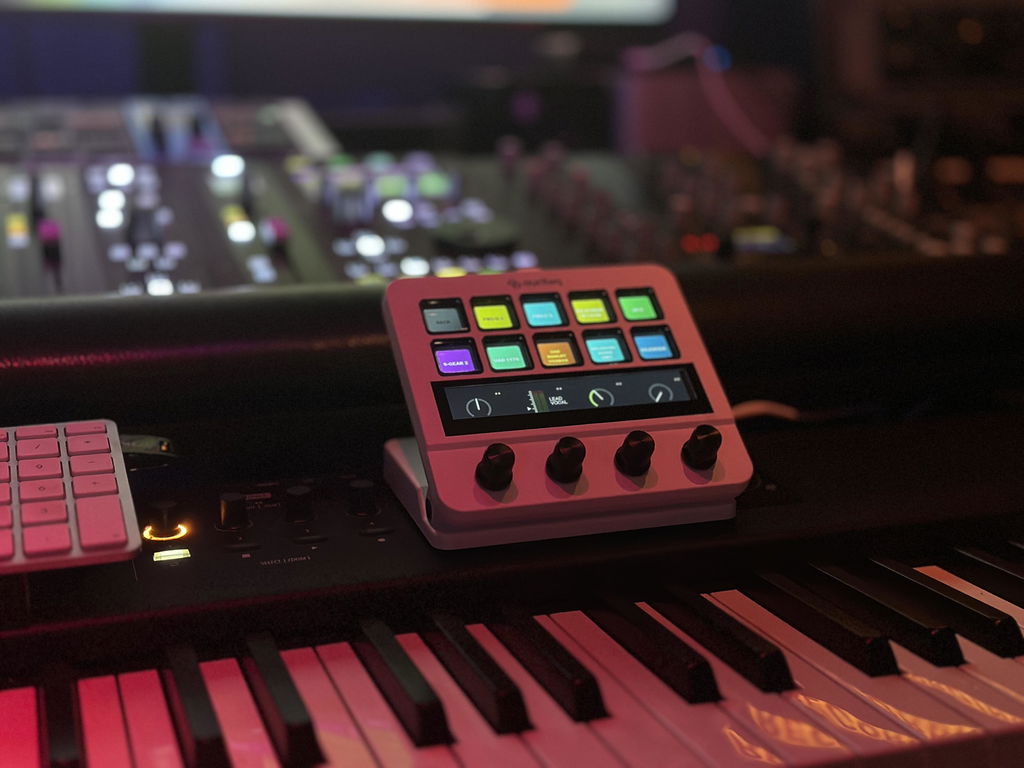
Hi Henrik, thank you for taking the time to review.
Regarding controlling more than 2 sends, on the default main screen, encoder 3 and 4 control SENDS 1 and 2. But if you press the touchscreen just above encoder 4, where you see the visualization of your send level, it takes you to controlling SENDS 3 and 4. If you press again, to SENDS 5 and 6, etc. I guess it's not so obvious, but you can definitely can.
And the issue with the volume, this sounds a lot like the Logic controller preferences need to be reseted once. Please do as we explain in our guide here: https://auriteq.com/blogs/help-center/logic-pro-troubleshooting
this clears 99% of the problems.
If the problem persists, please contact us by e-mail and we will look into it further.
Perfect Tool for me!
I purchased this through Shop. Apparently I can’t use Flow until I find the email I should have received that would have been sent from the time I purchased it. Looking through hundreds of emails from two to three weeks ago trying to find the one that allows me to download the Auriteq app. There’s got to be a better way. Flow might be great but I have no way to use it at the moment. Confusing.

Hi Brian, we're sorry for the confusion. As I told you over e-mail, the download link is at the back of the packaging as well as in the confirmation e-mail. But indeed, our website said 'inside' the packaging instead of 'on the backside'. We will update it to make it less confusing.
I am very happy with your controller. It is wonderful in terms of its simplicity, the quality of its materials, and the sensitivity of its knobs and screen,, awesome.The integration with cubase DAW it´s amazing and very intuitive... 10/10 Will recommend

I’ve been using the Auriteq Flow for several weeks now, and I’m really enthusiastic about it. It’s very user-friendly and is exactly what I was looking for: a controller that is truly designed for creative music production.
I record all of my different flutes with it, and especially when editing, I’ve discovered just how many possibilities the Flow offers. Despite its compact size, it is an incredibly powerful device that allows me to work quickly and intuitively.
For me, the Auriteq Flow is the perfect combination of creativity, flexibility, and ease of use. It helps me produce and edit my music in a direct and intuitive way, without the technology ever getting in the way of the creative process.


I am pleasantly surprised by Auriteq Flow, the buttons are larger than other similar products. The mapping for Logic is very well done, so far I am very happy with the product.

Fantastic piece of kit, using it with Ableton 12, no drama's, plug in and ready to go, set up loads of short cuts, such a time saver, so easy to name and colour tracks and adding fx, racks and instruments, built really well, feels great in my hands would definitely recommend, this is what I have been looking for 👍

I'm giving a 5-star review based on my use for mixing in Logic Pro over the course of a few weeks. First off, it is AS-BILLED--works right out of the box with all the plug-ins that come with Logic, plus I also heavily use Universal Audio and Isotope. They all work pretty much of the the box. Now the occasional plug-in might need some parameters tweaked but that's not a big deal, because you only need to do it once, and it will carry over to all projects. I was surprised that I hadn't read a review of this product in Sound On Sound, which made me hesitate to try it, but I'm glad I did.
So far, it has absolutely allowed me to go to what I'm used to doing: twiddling knobs and just listening for the sound, rather than trying to replicate that with a mouse, which is not natural. I wish there were faders too, but I'll live with this, since the level is implemented so well with the fast-throw and slo-throw abilities.
What Ive just talked about is not even the reason I bought this. I actually bought this because my original PreSonus Faderport broke, and I was really only using it for the start/stop recording/arming functions and then those broke as well. I have not yet used this to record, but from playing around with it, this is exactly what I was looking for in a controller to help me start/stop recording when I'm recording myself.
I will give Auriteq one note, though: Please have full installation instructions on the English website, not just the Spanish. When I watched the installation video, the person completely skipped over the fact that both the midi in and midi out needed to be set to the Auriteq flow. However, with a more thorough search on the web, I got to the English instructions, but only on the Spanish website! Yes, it did confuse me for a bit thinking I had everything set up properly, when it wasn't, but all in all, it still only took me 30 minutes to install, which is still faster than any other controller I have ever installed.
Now if you are thinking of adding a fader attachment, I would be all over it!

Hey Dave, thanks for taking the time to write this extensive review. We are really glad to hear that you like the product.
Well noted for your feedback regarding the instructions, we'll do our best to improve in that regard.
Have a nice day,
Eloy
Super Teil!! Ob automatisiertes Mixing, flexibles Mapping, learn Funktion, Plug in handling der Flow passt sich deinem Workflow an. Sehr cool!!!

The setup of the Flow is quite easy. I use mine in Logic pro and have setup midi devices before so I have a bit of an advantage. I have only had the device for a week or two and haven't used it to its full potential. The transport controls work as expected and channel switching is good too. Getting deeper into plugin menus takes a bit of getting used to but once you work it out, it becomes easy. So far the Flow works well once you install the software, and you have to run the software before starting up your DAW. I have added it to my workflow and I will use it more on my next project.


The unit it’s great I had an issue with my other controllers and Eloy remote help me with the installation.
He is super kind and the company offer a super post sale service.
Quick and profesional.
The product is amazing and I save so much time with my work.
Thanx so much to the Auriteq team.

Very decent! Integration is Easy been using it loads very happy with this purchase

Fantastic machine works well with the laptop 💻
MacBook Pro
As for my iMac with cordless keyboard and cordless mouse, it’s not connecting to the Auriteq flow machine, can you prompt me on how to fix this please?

Hey Anthony, thank you for the review. I contacted you via e-mail, I need to check via Teamviewer what exactly is failing on the iMac.
Also, I noticed from your video that you didn't add the included LUFS Meter plugin to the master track - in Logic, that will give you VU Levels, LUFS, accurate master metering and much more :)
Thanks,
Eloy
Love it..the unit sits right in the middle of my set up and saves a huge amount of time when working to a deadline and its size is absolutely perfect..doesn’t intrude on my desk

El Flow es EXACTAMENTE lo que estaba buscando. Perfecta integración con Logic Pro, muy fácil de personalizar y muy veloz. Realmente lo recomiendo tanto para tus mezclas o en casos como el mio que tengo muchos instrumentos y algunos lejos del ordenador! una pasada!

Very good Ableton controller.
Lots of functionality.
Easy to use and set up.

